
Chose the best option for you:
Curious which voice helper will actually save you time at home?
You rely on your phone for quick lookups, timers, and calls. That raises a clear question: is a separate smart speaker just extra clutter or a helpful tool?
This intro frames a practical comparison. We’ll focus on how daily routines change, not just specs. Expect a look at wake-word speed, room-wide reach, smart home control, audio quality, and how often you still grab your phone.
The Echo is built as a home appliance powered by Alexa, while phone assistants aim to keep you tied to the handset. You can use a smart speaker without a mobile device after setup, but setup itself needs a phone or tablet.
By the end you’ll know which device fits where you use voice help most — on the go, in shared spaces, or in a single room. This helps you weigh real trade-offs and find the right experience.
What you’re really comparing: a smart speaker device vs. a phone assistant app
Start by shifting your frame: this is not a straight feature match. You’re comparing a stationary, always-listening appliance to a multitask mobile assistant that lives in your hand.
Always-available vs. multitask mobile
A smart speaker stays in the same spot and waits for a voice. That matters when you’re across the room cooking or carrying something. In an office, saying “Alexa, set an alarm for 5 p.m. today” can be faster than unlocking, authenticating, and hunting for the Clock app.
Where the alexa app fits
The alexa app is the bridge for setup, settings, and skills. You can use an Echo without a mobile device after setup, but you cannot set one up or manage skills without an iPhone, iPad, or Android device. Skills often need specific phrasing and are enabled inside the app.
What “hands-free” really means
Hands-free differs by place:
- At home: voice works when your hands are full and the phone is elsewhere.
- In a room: microphone pickup and distance decide success.
- In the office: voice saves steps for quick timers and reminders without breaking workflow.
One simple decision lens: if a task requires fewer steps on the speaker than the phone — fewer taps, no unlock, no need to launch app — the smart speaker earns its place.
For a deeper head-to-head of assistant systems and practical trade-offs, see this brief comparison from a trusted review.
Assistant comparison and review
Why spend money on an Alexa when your phone already can
Quick context: you’ll see where a handheld wins and where a home assistant truly changes routine.
When the handset already nails calls and quick answers
You often use your handset for short queries, calls, and instant answers while out and about. Tapping or swiping gives fast results if the device is in your hand.
Where a voice-first device saves you time
Timers, alarms, and reminders usually take fewer steps with a voice appliance. No unlock, no app search, no launch app delay — just a wake word and done.
The wake word flow at home
The wake word removes tiny frictions you face dozens of times a week: unlocking, switching context, and reopening an app. That adds up and feels noticeably smoother in shared rooms.
Basic use: weather, music, and similar asks
If you mostly ask for weather, music, and simple questions, the difference is mostly speed, room coverage, and speaker quality. You still get answers either way; the device just makes access more natural for groups.
- When you hold a device: it’s quickest for on-the-go needs.
- When it’s across the house: voice-first wins for routine tasks.
- Shared homes: value increases as more people use the same assistant.
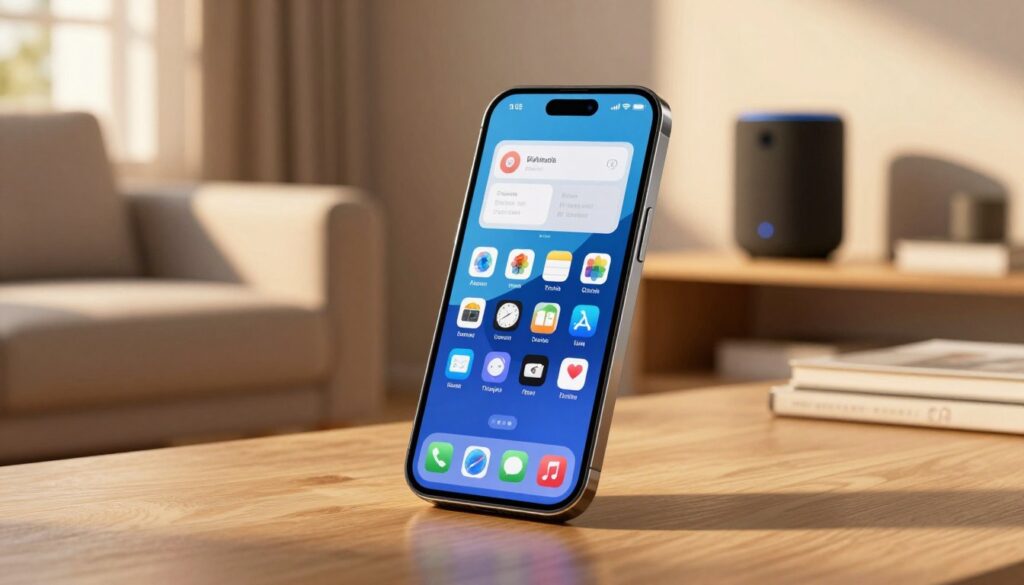
Smart home control: where Alexa usually feels easier than your phone
Room-based voice commands make daily routines flow with fewer interruptions.
Voice-first automation turns lights, switches, and other devices into a single layer you talk to, instead of opening several apps. You tell a speaker to “turn on bed1” and a WeMo or Insteon light responds, so the light is already on when you walk in.
Routines that match how you move
Set room routines that trigger as you enter or at night. A nightstand light, hallway light, and a bedside switch can come on with one phrase. That feels more natural than unlocking and tapping through menus.
Ecosystems and compatibility
As you add more devices, value rises. A single voice layer unifies fragmented apps. Compatibility matters: some gear pairs instantly, other devices need extra bridges or setup.
Speed and reliability notes
In real use, speed shows up with smart lights and daily routines. A responsive speaker makes automation feel smooth; lag or flaky pairing makes it frustrating. Expect upfront pairing and occasional troubleshooting, but the payoff is pretty good if you stick with it.
- Pros: always-available voice control, room reach, fewer taps.
- Cons: initial setup, device compatibility, occasional troubleshooting.
Music, speakers, and daily convenience: the Echo advantage in a shared space
Placing a dedicated player in the living room changes how music fills shared spaces. A centrally located Echo removes the need to hand a device back and forth. It keeps notifications off and preserves battery life while everyone enjoys the same soundtrack.
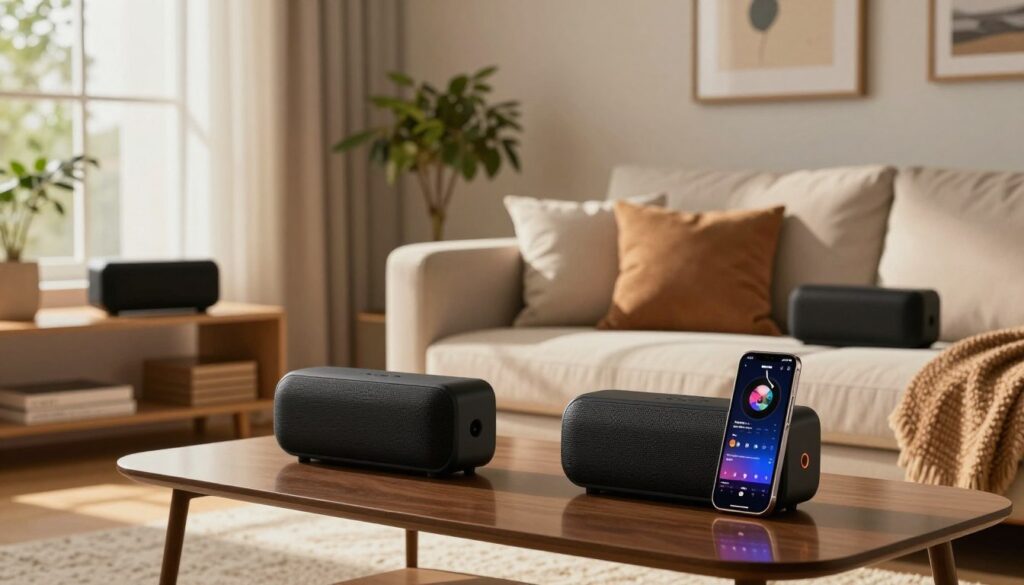
Smart speaker sound and placement
Speakers like Echo are built to fill a room. Your phone is optimized for portability, not wide soundstage. A well-placed amazon echo in the kitchen or office gives clearer bass, wider dispersion, and better pickup across the space.
Streaming services and libraries
Echo provides quick access to Prime Music for Prime members. Spotify and Pandora both integrate, and Audible users can ask Alexa to read audiobooks or supported Kindle titles. This makes music and libraries easy to reach for anyone in the house.
Bluetooth speaker mode for your computer
Use Bluetooth speaker mode to pair an Echo with a computer. Say “Alexa, pair” to connect and route audio from a notebook. That bonus utility simplifies a desk setup and turns the device into a true shared-space audio hub.
- Pros: room-ready sound, shared access, saves phone battery.
- Bonus: Bluetooth speaker mode for office or computer playback.
- Service flexibility: Prime Music, Spotify, Pandora, Audible support.
Skills, conversations, and the new Alexa+: what’s better now and what still annoys you
Recent upgrades aim to make voice more like a natural chat than a string of rigid commands.
Skills expand capability but often demand exact phrasing. You must enable many skills in the Alexa app, then remember triggers like “Alexa, ask Fitbit…” That makes some tasks feel like memorizing commands instead of having a free-flowing conversation.
Skills also fail in predictable ways. A niche news skill may return unrelated content or wrong answers if your question falls outside its narrow dataset. The My Skills list in the app helps recall what’s active, yet it undercuts the promise of true hands-free access.
Daily Briefing is a clear win. You pick sources—NPR, BBC, Discover—and hear a tailored morning summary without hunting through multiple apps. That customization often beats phone assistants for routine news and weather.
Alexa+ (currently on Echo Show) brings chat-style transcripts, longer conversation threads, and new integrations like OpenTable and Ticketmaster for reservations and tickets. It helps with recipes and trip planning, but it is early and not flawless.
Privacy trade-offs matter: Alexa+ runs in the cloud only, which enables history and richer features but moves more data off-device. Weigh convenience against how much remote processing you accept before you opt in.
Conclusion
The best choice depends less on raw features and more on which tool removes the most tiny frictions in routines.
Quick decision: if a phone handles most queries while you move, you likely don’t need extra hardware. If you often leave that phone in another room, a smart speaker speeds timers, music, and simple automation with fewer steps.
Buy it if you want hands-free routines in a shared house, better room audio, and easier control of multiple devices. Skip it if you live alone, rarely use voice at home, or prefer unlocking a handset for everything.
Note: Echo Show plus Alexa+ offers richer conversation and integrations, but weighs cloud processing and possible subscription trade-offs.
Bottom line: you aren’t paying for more answers; you’re paying for fewer steps and a smoother home experience.
FAQ
What’s the main difference between a smart speaker device and a phone assistant app?
A smart speaker like an Echo is a dedicated, always-listening home appliance for hands-free control, music, and room-based routines. Your phone’s assistant is great for on-the-go tasks and quick lookups, but it juggles calls, notifications, and apps. The Echo focuses on voice-first interactions across a space without unlocking or tapping.
How does the Alexa app fit into setup and daily use?
The Alexa app handles setup, device settings, and skill management. You’ll use it to link services, adjust smart-home groups, and create routines. Once set up, voice control from Echo devices reduces the need to open the app for routine tasks.
What does “hands-free” actually look like at home and in an office?
Hands-free means you speak a wake word and get responses or actions without touching a screen. In a kitchen, you can set timers and check recipes while cooking. In an office, you can call someone or control lights while working without interrupting your flow.
When does a phone assistant already cover most needs like calls and quick questions?
If your use is mostly calls, basic searches, navigation, and quick reminders while out and about, the phone assistant handles these well. It’s ideal for single-person, mobile-focused tasks where carrying a device is normal.
Which tasks make a smart speaker worth adding to your home?
Smart speakers simplify timers, alarms, multiroom music, and frequent voice commands. They remove the step of unlocking and launching an app, making repeated tasks faster and more convenient for everyone in the household.
How does the wake word help compared to unlocking a phone?
The wake word gives instant access to voice control across a room. You don’t need to find your phone, wake it, and open an app. That reduces friction for quick, routine interactions like timers or turning on lights.
If I mainly ask for weather, music, and simple answers, will adding Echo change much?
You’ll notice smoother, faster access in shared spaces. Answers are similar, but playback and multiroom audio, hands-free timers, and household routines often feel more natural on an Echo than on a phone.
Why does voice-first home automation often feel easier than using a phone?
Voice-first control lets you speak commands to lights, switches, and devices from anywhere in the house. It’s faster than opening an app and navigating menus, especially for simple, repeated actions.
What are room-based routines and why do they matter?
Room-based routines trigger multiple actions when you enter or say a command for a space—like turning on lights, starting music, and adjusting thermostats. They create a natural, hands-free experience that matches how you move through your home.
How does ecosystem compatibility affect smart-home value?
The more devices you add that work with Alexa—lights, switches, thermostats, cameras—the more seamless and valuable the system becomes. Broad compatibility reduces app-switching and centralizes control through voice and routines.
Is controlling smart lights with Echo faster and more reliable than using a phone?
Often yes. Voice commands to an Echo can be quicker and require fewer steps than launching an app. Local processing on newer devices also improves responsiveness for common routines and light control.
Why choose a dedicated smart speaker for music instead of streaming from a phone?
Dedicated speakers typically have better placement, louder sound, and multiroom capabilities. Echo devices integrate with Spotify, Amazon Music, Pandora, and Audible for seamless streaming without tying up your phone.
Can an Echo work as a Bluetooth speaker for a computer?
Yes. You can pair Echo devices with a computer or phone via Bluetooth to use them as external speakers for calls, media, or presentations.
Are Alexa skills truly helpful or do they cause friction?
Skills add functionality but sometimes require exact phrasing, which can be frustrating. Many skills are powerful for specific tasks, though inconsistency across developers can break the natural conversation feel.
What happens when skills give wrong or limited answers?
When a skill fails, it interrupts the flow and forces you to rephrase or use an app. That inconsistency is a real pain point and one reason some people rely on native Alexa features or vetted third-party skills.
How does Alexa’s daily briefing compare to phone assistants?
Alexa’s daily briefing can be a tailored, hands-free update of news, calendar items, and smart-home status. It’s convenient for a morning routine and feels more like a briefing than a set of separate app notifications.
What’s new with Alexa+ and Echo Show devices for conversations?
Alexa+ and Echo Show add more natural conversational flow and visual context with screens. They improve follow-up questions, media previews, and visual recipes, making some interactions feel closer to human conversation.
What are the new integrations and assistant-as-a-service opportunities?
New integrations include reservations, ticketing, recipes, and planning tools that let you complete tasks via voice. These features expand what a voice assistant can do beyond simple queries and playback.
What privacy trade-offs should you understand before adding an Echo?
Echo devices use cloud processing for many features, which involves sending voice requests to Amazon servers. Review microphone controls, mute buttons, and privacy settings to manage what’s stored and shared.