
Anúncios
Think a pocket gadget already covers every need — so why add extra devices in a house? That question matters if you juggle cooking, chores, or kids and want fast, hands-free help.
Smartphones are powerful and flexible. They hold apps, stream music, and answer queries. But they often sit in pockets, on charge, or stay silent during a busy moment.
Always-on voice assistants offer a shared interface. People in the same room use them without unlocking anything. That convenience changes simple tasks like timers, shopping lists, or voice-controlled lights.
Sound quality also matters: if you play music a lot, dedicated speakers give a richer experience than a typical smartphone. There are tradeoffs too — privacy, extra setup, and occasional troubleshooting.
Read on for a clear phone vs. assistant breakdown, real-life scenes, and a simple decision framework so you avoid needless gadget clutter.
Phone vs. Amazon Alexa in your home: what you’re actually comparing
Look at how a pocket device and a countertop speaker change daily routines in different ways.
Your phone is a personal hub: it runs apps, stores preferences, and controls streaming and smart lights through a phone app ecosystem. It’s perfect for private tasks, on-the-go control, and anything tied to your accounts or notifications.
Household devices like an Amazon Echo act differently: they sit in a room, listen for commands, and give everyone in the house instant access without unlocking or opening an app. That always-available model changes how people interact with timers, music, and shared controls.
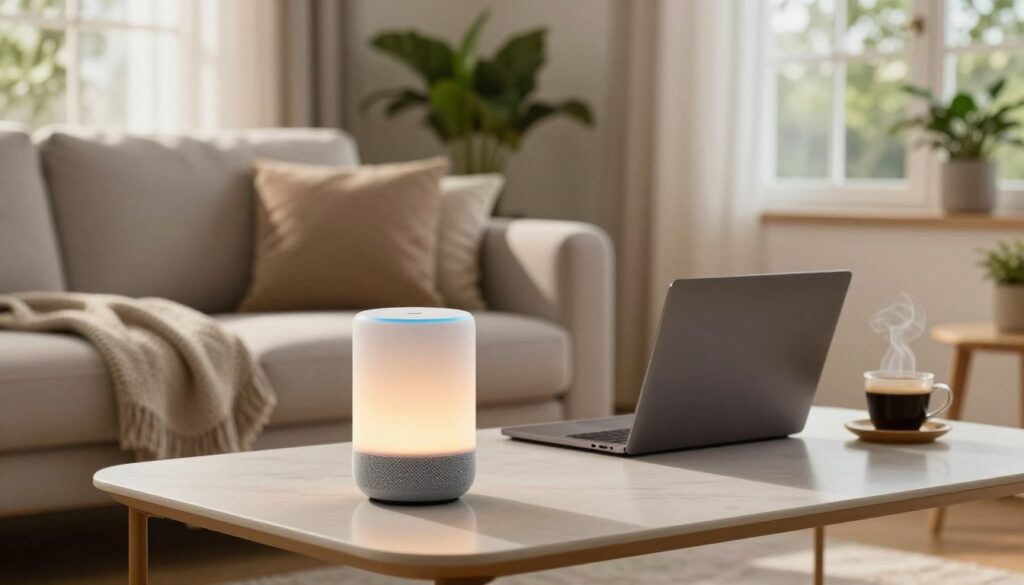
The alexa app is the control layer: it handles setup, permissions, routines, and device linking. If pairing fails — for example on some iPhone 16 Pro setups — common fixes include renaming the iPhone, updating the alexa app, removing old device entries, and using “Forget Device” in Bluetooth settings before retrying.
Remember your computer: web dashboards and streaming accounts also fit into the mix. But the point stands: dedicated echo devices are meant to replace repeated app taps with voice-first, room-ready convenience.
- Phone = personal, flexible, app-driven.
- Echo = shared, always-listening, household interface.
- App = management hub for both setup and ongoing control.
Why buy an Alexa when your phone can do the same?
Walk into a room and speak — no unlocking, no fumbling, and that instant access matters.
Always-available voice control vs. needing a device in hand
The biggest everyday win is time. You save minutes by asking across the room instead of digging for a pocket device. That matters most when your hands are full or you’re rushing.
Better room-filling sound for music
A dedicated speaker simply plays fuller, richer sound. Saying “alexa play” feels natural when music comes from a proper speaker, not a tiny chip in a phone.
Multi-device coverage and shared living
Mix Echo Dots, an Echo Studio, and Echo Shows to cover bedrooms, living areas, and kitchens. Multiple devices mean whole-house voice control without handing over a device.
Quick, hands-free help
Use voice for weather checks while dressing, timers while cooking, or routines that trigger at set times. These quick wins reduce taps in a phone app and keep tasks moving.
Shopping, calls, and privacy tradeoffs
Shopping and notifications are handy but need tuning to avoid accidental orders. Echo Show calling and Drop In make family check-ins simpler than juggling a small screen.
Be honest about setup: some users needed extra minutes to fix iPhone 16 Pro Bluetooth links to amazon echo devices. If pairing fails, try renaming the iPhone, updating the phone app, forgetting and re-pairing devices, or contacting Amazon support (1.866.216.1072).
- Pros: instant access, better speaker sound, multi-room coverage.
- Cons: occasional setup time, notification tuning, and privacy choices.
Privacy and terms matter: always-listening microphones and cameras mean you should review mute buttons, camera covers, and account terms before trusting full-time convenience.
When your phone wins and when Alexa wins in real life
Deciding between a mobile-first setup and room-based helpers depends on how you move through life.
If you travel, commute, or live on a smartphone
Fewer gadgets usually makes life simpler. If most tasks move with you, a single pocket device handles maps, messages, and media without extra apps or chargers.
That setup saves time and avoids syncing multiple devices. Use the phone app for remote control and personal messaging while you’re out. For many people, this beats juggling extra hardware and settings.
If you support family at home
Room-ready helpers win for shared care. Add an Echo Show to an Amazon account for easy setup; you may need to be onsite to complete installation.
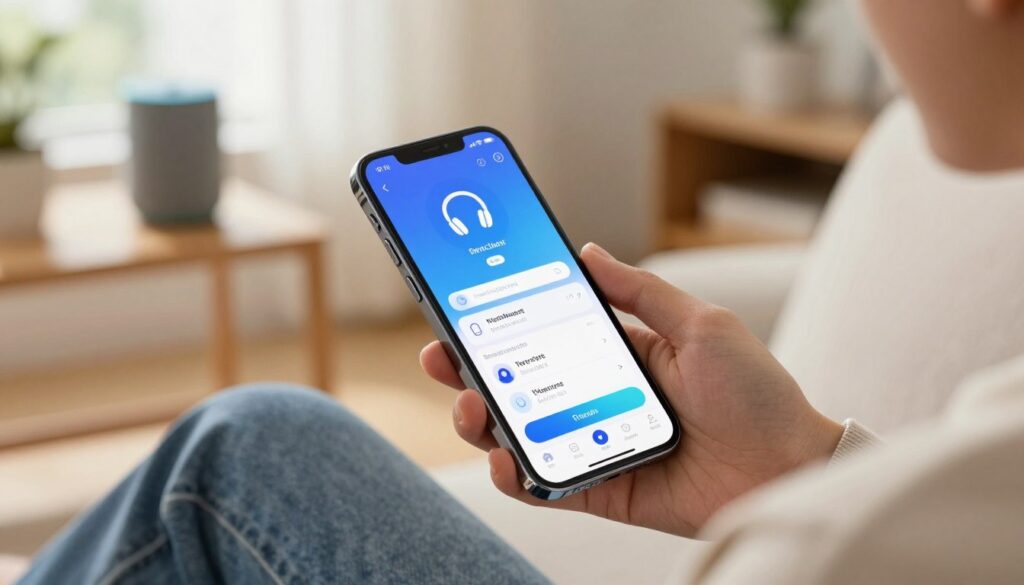
Use the alexa app to manage devices and calls. Drop In plays a tone, opens audio instantly, and blurs video briefly for privacy — so someone gets help in minutes without accepting a call.
- Place the device at eye level so people notice alerts.
- Add one other person via Amazon Household for separate access.
- Turn off delivery notifications or change settings for clarity.
Decision point: pick pocket-first for mobility and privacy, or room-first for frictionless, shared support at home.
Conclusion
Choose the tool that turns repeated taps into quick, hands-free moments. If you want a shared, room-based assistant with better speaker sound and easy routines, dedicated devices earn their place. If you prefer portable, personal control, a pocket phone will usually do the job.
Quick self-check: if you ask for music, timers, or weather while hands are full, voice helpers save minutes. Start with one Echo or an Echo Show if calling matters; test for a week and add more only if usage grows.
Plan for setup time in the app and occasional troubleshooting. Tweak shopping, notifications, and privacy settings so convenience stays useful, not noisy.
FAQ
What are you actually comparing when you look at a phone vs. Amazon Alexa in your home?
You’re comparing a portable smart device with built-in assistant features to a suite of dedicated, always-on devices and services. A smartphone runs voice apps and the Alexa app, but Echo speakers and Echo Shows provide fixed, room-based access, better sound, and hands-free control across the house.
How does your smartphone act as a voice assistant and app hub?
Your smartphone gives on-the-go access to voice commands, music, weather, navigation, and the Alexa app for setup and control. It’s great for travel and commuting, and it consolidates apps and notifications so you carry fewer devices.
What makes Amazon Echo devices different from phone-based assistants?
Echo devices are designed to be always available in a room, offer stronger speakers, and support multi-room audio. Echo Shows add a screen for video calls, routines, and smart-home control without needing to pull out a phone.
Why does the Alexa app matter for setup and control?
The Alexa app links devices, sets routines, manages skills, and controls smart-home gadgets. It’s the central place to customize settings, check notifications, and update privacy or shopping preferences.
How does always-available voice control save you time versus using a phone?
With fixed devices, you can call out commands without picking up your phone. That reduces interruptions, speeds up tasks like timers or light control, and keeps your hands free while cooking or cleaning.
Do Echo speakers really sound better than phone speakers for music?
Yes. Echo Studio and Echo models have larger drivers and tuning for fuller, room-filling audio. For regular music and voice requests like “Alexa, play,” they usually outperform a smartphone’s small speaker.
What does multi-device coverage across the home look like?
You can place Echo Dots in bedrooms, an Echo Studio in a living room, and Echo Shows in kitchens. This setup gives consistent voice access, synchronized music, and location-aware features without reaching for a phone.
How does hands-free help improve everyday routines?
Hands-free voice lets you set timers, check weather, add items to shopping lists, and run morning or evening routines with simple commands. That convenience speeds tasks and reduces friction in daily life.
Are shopping and notifications easier on Echo or a phone?
Echo devices simplify voice shopping and push alerts, but the phone offers richer, on-the-go control and detailed app notifications. You’ll tune how each handles receipts, delivery updates, and voice purchases based on your preference.
What are the calling and “Drop In” differences between Echo Show and a phone?
Echo Show supports instant video Drop In between approved devices, which feels like room-to-room check-ins. The phone can do video calls anywhere but requires you to open an app and hold the device, so Echo Show is quicker for home checks.
What privacy and terms should you consider with always-listening devices?
Always-on microphones and optional cameras raise questions about data storage, voice recordings, and third-party access. Review Amazon’s privacy settings, microphone/camera mute options, and terms to control what’s saved and who can connect.
When does your phone win over Alexa devices?
The phone wins if you travel frequently, rely on mobile-only apps, or want fewer devices. Smartphones are better for private calls, on-the-road navigation, and consolidated notifications without adding home hardware.
When do Echo devices win in real life?
Echo devices shine when you need in-home support for family members, hands-free access, multi-room audio, or quick video Drop In via Echo Show. They’re especially useful for caregiving, family coordination, and shared home routines.